
You have learned the basics of Canva. You have made a few posts that look pretty good. And now you are sitting there wondering: who is going to pay for this?
That quiet moment between “I can do this” and “someone is paying me to do this” is where most beginners get stuck. Nobody messages you. Nobody knows you exist. And the more you wait, the more it feels like maybe it is not for you.
It is not that you lack talent. It is that nobody has seen your work yet. This guide walks through a simple, honest way to get your first client, step by step, from your phone.
I started with Canva by opening an Instagram account and posting daily for a while. That habit helped me more than anything else: it grew my views, got my work in front of real people, and brought me my first clients.
This worked for me, but results are different for everyone, so give it a few weeks before you judge it.
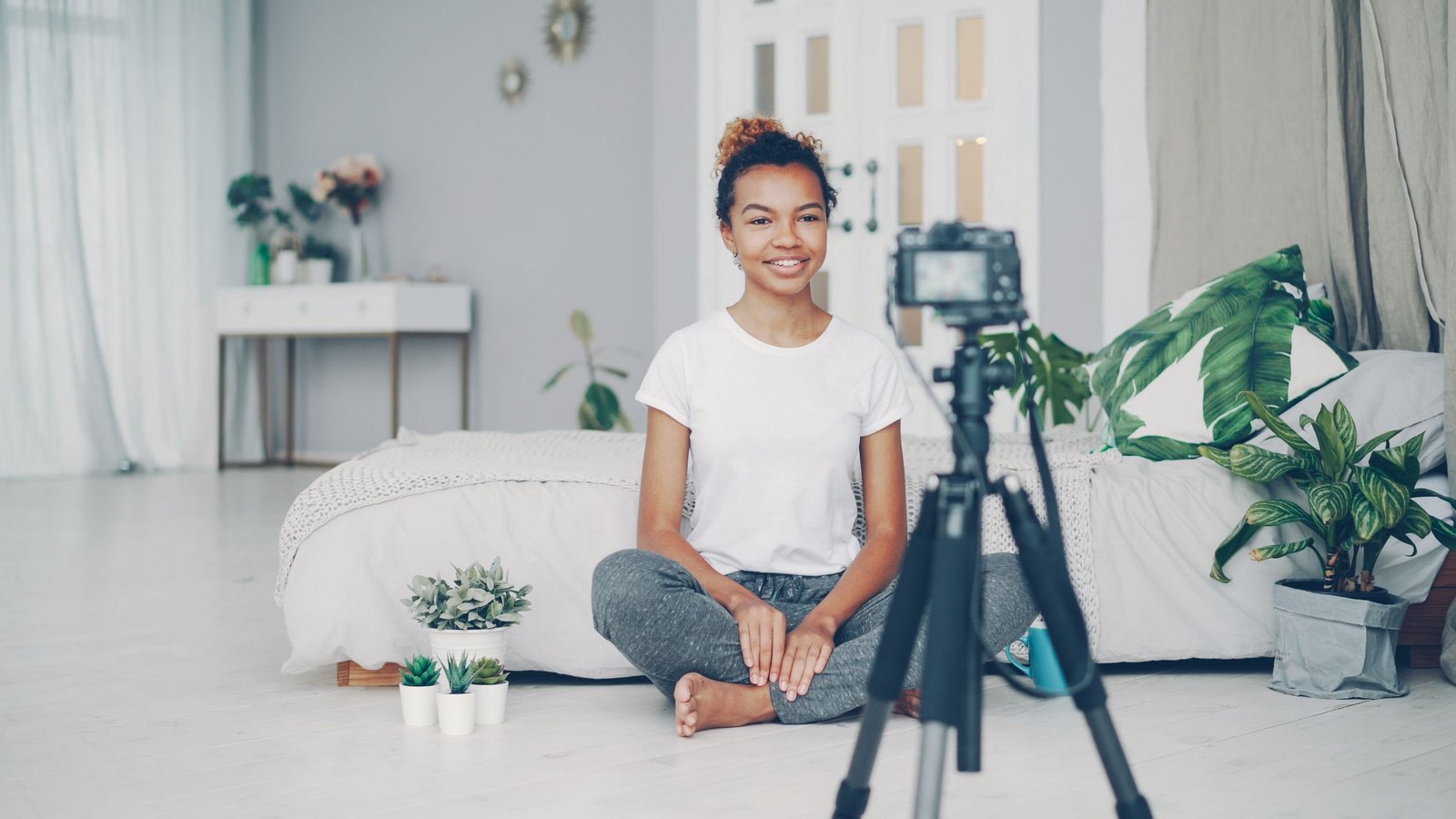
Why the First Client Is the Hardest
Every freelancer remembers their first client, because it takes the most effort and pays the least. You have no reviews, no proof, and no reputation. That is normal.
The goal of your first client is not money. It is proof. One happy client gives you a real example, a testimonial, and the confidence to approach the next one. So aim for a fair small job, not a big payday.
Step 1: Build a Small Portfolio First
Nobody can hire you if they cannot see your work. Before you contact anyone, put together three things:
- One single post design, such as an announcement or a promotion for an imaginary shop.
- A matching set of three posts, with the same colors and fonts, so it looks like a real brand.
- A simple one-week content plan, which is just a table listing what to post on each day and what the caption should say.
The content plan matters more than people think. Anyone can make a pretty post. Showing that you can also plan what to post is what makes you a social media manager and not only a designer.
Save everything in one Canva folder, and take clear screenshots of your best work.
My Instagram posts ended up working as my portfolio. When a business asked what I could do, I could simply show them my page. If you have nothing to show yet, make your three samples first and post them on a new account.
Step 2: Decide What You Offer
Keep your offer small and clear. For example:
- A set of 5 designed posts for a business
- A weekly content plan with captions
- Designs plus posting on their page for one week
A clear offer is easier to say yes to than “I can do anything with social media.” Pick one, and write it in one simple sentence.
Step 3: Find Businesses That Need You
Look around you first. Many small businesses have social media pages, but the posts are messy, rare, or missing. Think about:
- Home bakers and food sellers
- Local shops and boutiques
- Tutors and academies
- Clinics and salons
- Small online sellers
Open their Instagram or Facebook page. If the posts look rushed, inconsistent, or the page has not been updated in weeks, that is a business you can help. You can also check Facebook groups where small sellers advertise, and ask friends and family if they know anyone who runs a business.
Your own Instagram page can bring clients to you. When businesses see your posts, they can message you directly, so posting regularly works like free advertising.

Step 4: Send a Short, Polite Message
Do not send a long message full of promises. Be friendly, be specific, and keep it short. Something like:
Hi, I noticed your page has great products, and I’d love to help with the designs for your posts. I make social media posts and weekly content plans. Would you like me to make one free sample post so you can see my style? No obligation at all.
Send it to a small number of businesses each day, and make each message personal. Mention something real about their page. If someone does not reply, do not take it personally, and do not chase them again and again.
Step 5: Think Carefully About Free Work
Offering one free sample post is a reasonable way to show your style. Offering a whole month of free work is not. Free work with no limit teaches clients that your time is worthless, and it leaves you tired and unpaid.
A good rule: one small free sample at most, and then agree on a fair small price for the real work.
Step 6: Agree on the Details Before You Start
Before you begin a paid job, write down these points in a simple message and ask the client to confirm:
- What you will deliver (for example, 5 posts)
- The deadline
- How many changes are included (two rounds of edits is common)
- The price
- How and when you will be paid
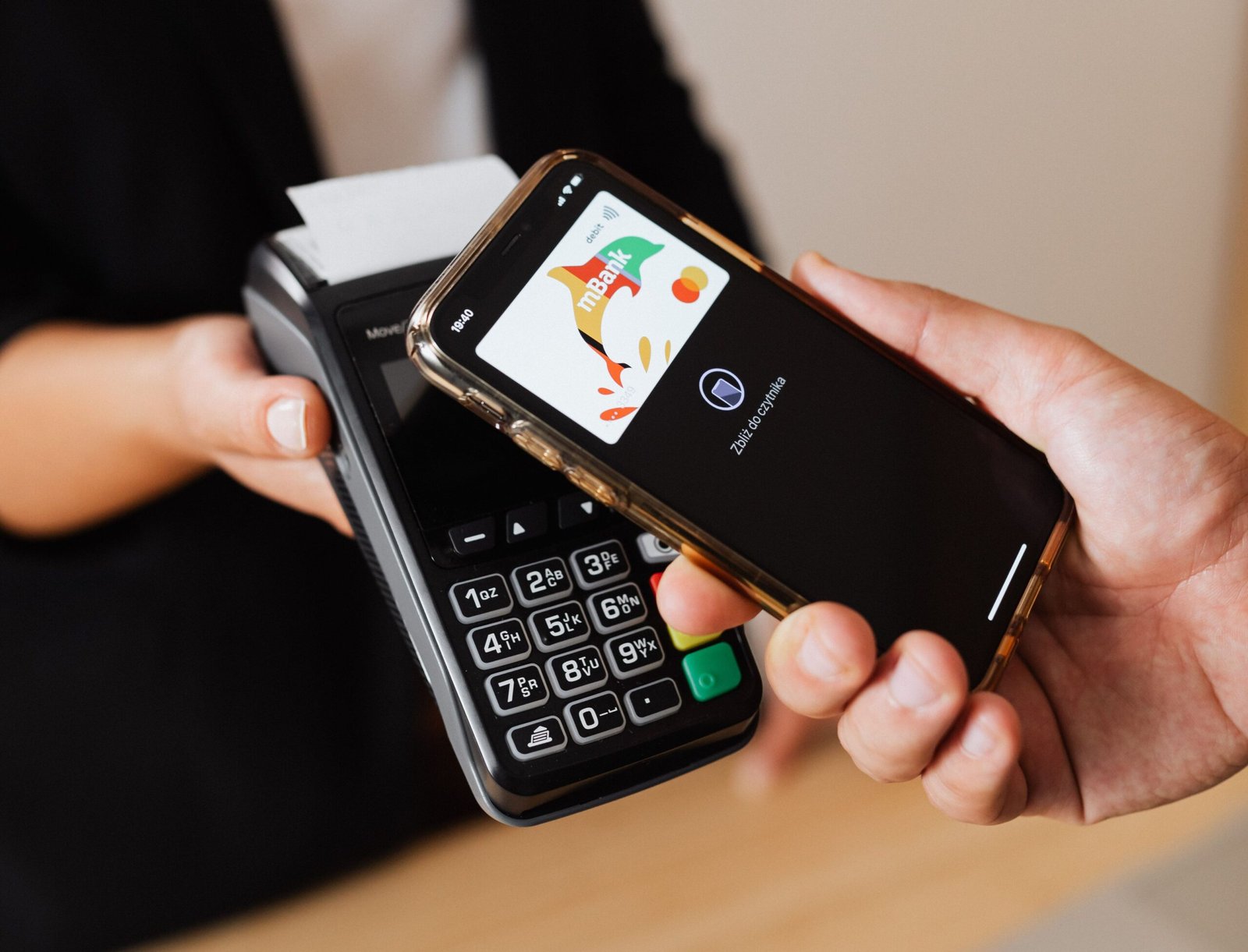
For local clients, bank transfer and mobile wallets such as JazzCash or Easypaisa are common. For international clients, Payoneer is commonly used in Pakistan, since PayPal does not let individuals receive payments there. Rules change, so confirm on the official website before you rely on any option.
Mistakes Beginners Make
1. Working without agreeing on the price. Always confirm the price first, and for bigger jobs ask for part of the payment upfront.
2. Unlimited changes. If you do not set a limit on edits, a single post can turn into a week of work.
3. Asking for a client’s password. If you manage someone’s page, ask them to give you access through the platform’s own tools, such as Meta Business Suite, instead of sharing their login.
4. Using images you do not have the right to use. Stick to Canva’s own free content, your own photos, and free sites like Pexels and Unsplash, and read the license when you are unsure.
5. Setting a price too low just to get the job. A very low price attracts people who do not respect your time. Start small, but start fair.
My biggest mistake had nothing to do with design. I expected my friends and family to cheer me on, and when they didn’t, my motivation dropped. After a while I stopped posting and editing because it felt like it wasn’t worth it. Looking back, I was waiting for other people’s approval to keep going, and that is a weak reason to build anything. Now I treat posting as my own job, with or without applause. I’m back to posting now, and this time I’m doing it for myself.
A few habits that can help you keep going:
- Set a small goal, like 3 posts a week, instead of daily.
- Make posts in batches, so you design several in one sitting.
- Track small wins, such as one new follower or one message from a business.
- Find people doing the same thing, in online groups, who understand the work.
Watch Out for Scams
The internet has people who target new freelancers. Be careful with:
- Anyone who asks you to pay a fee to get a job or to “unlock” a project.
- A client who sends you more money than agreed and asks you to send the difference back. This is a well-known scam, and the original payment often turns out to be fake.
- Strangers who message you on WhatsApp or Telegram offering easy money for simple tasks.
- Anyone who asks for your passwords, bank PIN, or one-time codes.
If something feels wrong, stop and ask someone you trust before you reply.
A Simple 14-Day Plan
- Days 1 to 3: Make your three samples and screenshot them.
- Days 4 to 5: Write your one-sentence offer and your short message.
- Days 6 to 12: Send a few personal messages each day to local businesses.
- Days 13 to 14: Follow up once politely, and set up the details with anyone who replies.
You may not get a yes in two weeks, and that is fine. Every message teaches you something, and your samples get better each time.

Before You Go
Your first client will not come from waiting. It will come from making a small portfolio, sending a few honest messages, and being patient with the replies. Start with the three samples today, because that is the one step nobody can do for you.
If you are trying this plan, tell me in the comments how it is going.